Minesweeper Complete Guide: From First Click to Speed Run
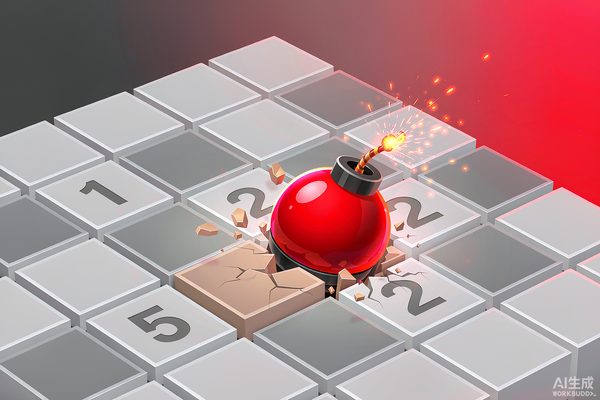
Minesweeper looks like a guessing game - it is not. Every numbered cell on the board is a precise hint about where mines are not, and reading these hints correctly turns Minesweeper from a 40% win rate game into a 99% one. This guide covers the rules, the four difficulty tiers, and the patterns that make expert Minesweeper feel like chess.
The Four Difficulty Tiers
Standard Minesweeper has four difficulty levels. Each adjusts the grid size and the percentage of cells that contain mines.
- Beginner: 9x9 grid, 10 mines (about 12% density). Best place to learn.
- Intermediate: 16x16 grid, 40 mines (about 16%). The classic Windows XP default.
- Expert: 30x16 grid, 99 mines (about 21%). Where pattern recognition matters.
- Custom: any combination. Useful for practicing specific patterns.
If you are new, stay on Beginner until you can clear boards in under 3 minutes. Moving up too early creates frustration without teaching the patterns.
Step 1: How to Read a Single Number
Numbers on the board are surrounded by 8 cells. The number tells you how many of those 8 are mines. The remaining 8 minus (number) cells are safe.
Step 2: The Edge Pattern (Easiest Insight)
On a corner or edge, a number has fewer than 8 neighbors. A corner 1 next to 2 unclicked cells means both unclicked cells are safe - the mine is somewhere you cannot see. A corner 2 with 2 unclicked neighbors means both are mines.
Whenever you are stuck, look at the corners. They give you information faster than any other position.
Step 3: The 1-2 Pattern (Most Important)
When you see a 1 adjacent to a 2 along a row or column, the 2 has one more mine than the 1 in that direction. The classic deduction:
- Locate the 1 and the 2 in the same line.
- The 2 has at least 2 mines among its neighbors.
- Subtract the 1's mine (which you should already know).
- The remaining mine must be on the far side of the 2.
Step 4: First-Click Safety
Modern browser Minesweeper usually guarantees your first click never hits a mine. If you are learning, click somewhere in the middle of an open area to maximize the cleared cells on click 1.
The Three Beginner Mistakes
Mistake 1: Using right-click as a guess
Right-click places a flag. Beginners flag everywhere that might be a mine. Instead, flag only when a number forces a flag. Unflag whenever a number makes a previous flag impossible.
Mistake 2: Panicking when numbers get dense
When you see 5 or 6 chains of numbers, the answer is not to guess. It is to slow down. Each number is still solvable individually - solve them in order from edges inward.
Mistake 3: Not using the chord click
After placing the right flags around a number, middle-click or left-right-click on the number to automatically open all unflagged neighbors. This is allowed in every version and saves huge amounts of clicking.
Speed Run Tips (Optional)
Once you clear Beginner in under 90 seconds consistently, Minesweeper becomes a speed game. The fastest players use:
- Click chaining: drag the mouse across multiple safe cells to open them all in one motion.
- No-flag mode: most competitive versions forbid flags - the game trusts you to track mines mentally.
- Pattern memory: the same 1-2 and 1-1-1 patterns appear thousands of times - they become reflexes.
Start Solving
Open Minesweeper in your browser, pick Beginner, and click in the middle. From there, treat every number as a clue and your flag count will often stay at zero. Within a week of daily play, you will be clearing Beginner boards in under two minutes and wondering why you ever thought it required guessing.
If you like number puzzles with similar reasoning, try Sudoku next - same patience, different layout.